



Slotuna App
A home screen icon takes players straight into the full Slotuna Casino lobby. No store listing is required. The Slotuna app works as a progressive web app, so Android, iOS and desktop users access the same slot library and live tables through a single shortcut. There’s no separate installer to download and no reduced version waiting on the other side. Once the icon lands on the screen, the gaming experience matches the browser version down to the last game tile.



Slotuna Mobile Casino
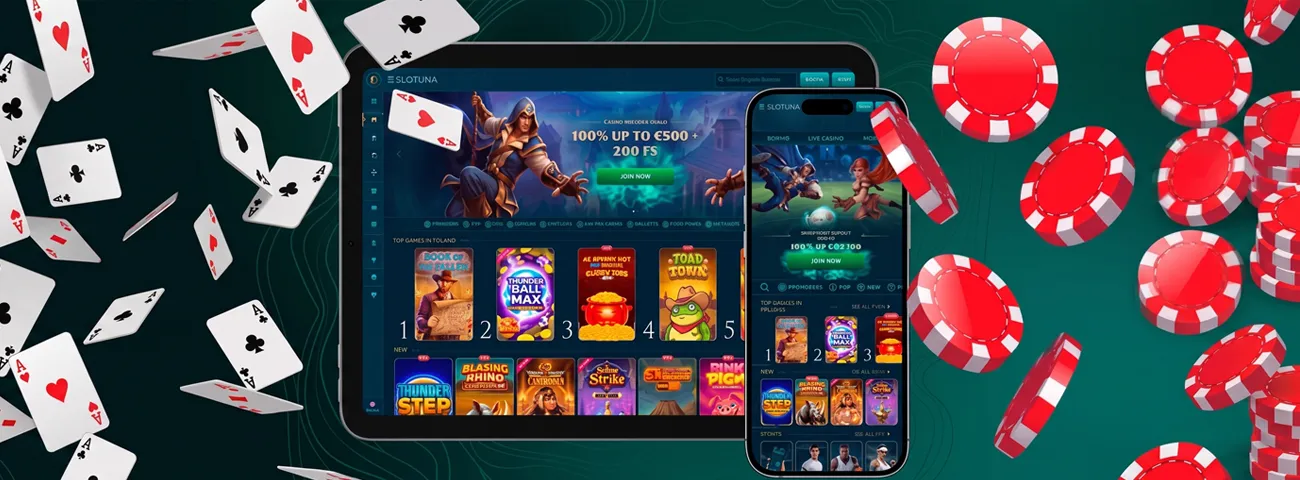
Opening Slotu na Casino on a phone changes the screen size, not the content. We adjust the layout automatically, and several elements resize without disappearing:
- Slot reels and bonus buy panels;
- Live dealer tables and chat windows;
- Bonus Crab and coin balance trackers;
- Account, wallet, and verification menus.
Our menus have a single bottom bar on mobile, and the game grid scrolls in fewer swipes than the desktop catalog needs clicks. A quick round between errands works just as well as a longer session at home — the same profile carries every coin and VIP tier across devices the moment a player switches screens. Nothing about mobile casino access on Slotuna trims the game count or hides features behind extra taps.
Mobile Application for Android
Android owners can reach the Slotuna app through Chrome or another modern mobile browser, then add it to the home screen in a few taps. The icon then opens in full-screen mode, skipping the browser bar and loading the lobby the way a native app would. Installation takes less than a minute, and no new account setup is needed — the login you already use on the Slotuna website carries over directly to the app. Because the shortcut pulls content directly from the live site, slots load with the same paytables and jackpot values seen on a desktop screen.
Slotuna APK
Users searching for a downloadable APK file will find that Slot Una doesn’t offer one. Instead, we cover that role with a browser-based shortcut: it installs in seconds, updates in the background with every site release, and skips the permission prompts a sideloaded APK file asks for. This setup keeps the casino current without the security risk that comes from installing files outside an official store or the browser itself.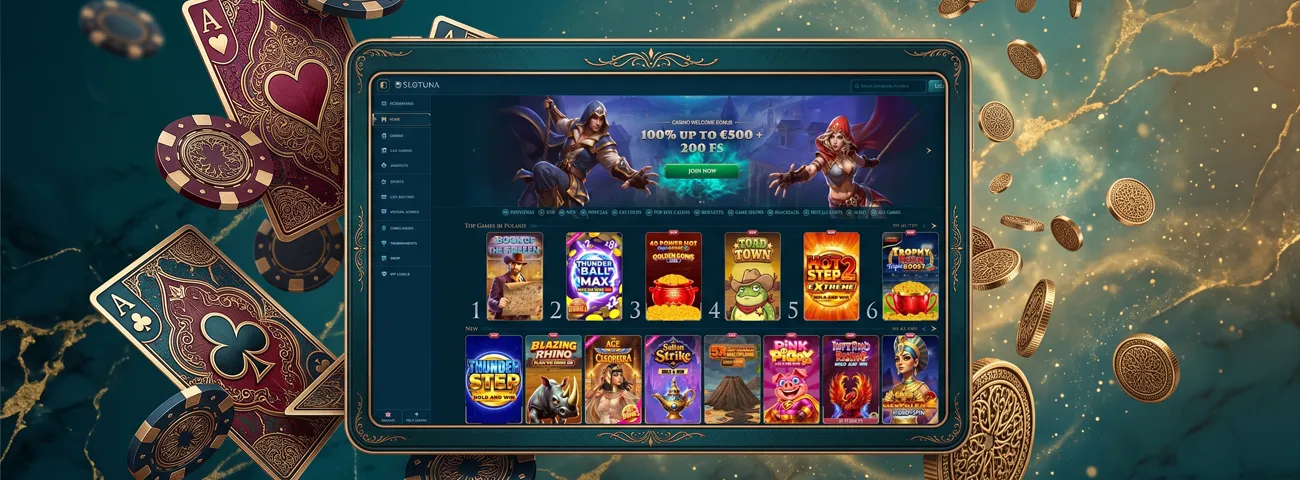
Mobile Application for iOS
iPhone and iPad players add the Slotuna app through Safari’s Share menu, tapping Add to Home Screen to place the icon next to other apps. From that point, the shortcut opens in its own window and hides the Safari toolbar completely. Signing into the same account keeps everything aligned across devices:
- Account balance and wallet history
- Progress and coin totals
- VIP level and cashback tier
- Favorited games and language settings
Live tables and slot titles load on iOS at the same speed as on Android, and touch controls remain consistent across both operating systems.
Slotuna Casino Application for Windows/macOS
Desktop players don’t need to install anything separate either. A browser loads the full Slotuna Casino the moment the site opens, and a browser-created shortcut turns that page into its own app-style window. Games, bonuses, and account settings on Slotuna Casino stay identical whether the session starts on a laptop or a phone.
We built the bigger screen to suit longer sessions at live roulette or blackjack tables, where a dealer feed benefits from more space than a phone screen offers. Every payment method and bonus available through the app carries over to the desktop version without exception.
Below is a quick breakdown of what each platform needs and what stays the same across all of them:
| Device | Setup Required | Login Carried Over |
|---|---|---|
| Android | Add to Home Screen via browser | Same credentials, full game library |
| iOS | Add to Home Screen via Safari | Same credentials, Bonus Crab progress |
| Windows/macOS | Optional browser shortcut | Same account, no separate signup |
We keep the Slotuna setup deliberately simple. There’s no separate password for the app version, no extra registration form, and no shortened game catalog compared with the browser on a computer. Every game category appears in the same spot regardless of device, and VIP progress tracks identically on a phone, tablet, or desktop screen.
Support and Verification on Any Device
Reaching our Support Team from the app follows the same path as on desktop: live chat opens from the same menu spot around the clock, whichever device the session runs on. The verification process — submitting ID documents before a first withdrawal — works through the same secure upload whether the screen is on a phone or a monitor. Once identity checks clear, a verified account unlocks withdrawals across every version of the Slotuna app without repeating any step.
We organize our slots and live tables so that a home screen shortcut stays the shortest route to online slots, no matter which device starts the session. Providers include Pragmatic Play, Novomatic, and Playson, and titles load with matching RTP figures on mobile and desktop screens alike.
FAQ
Does the Slotuna app send notifications about promotions?
The PWA can request notification permission after installation, letting players see updates about new releases directly on the lock screen.
Enabling this option keeps a player informed about fresh promotions without opening the app first, since alerts appear the same way a native app’s notifications would.
Does the Slotuna app work without a stable internet connection?
Playing live games requires a working connection at all times, but the app doesn’t reset completely the moment a signal weakens — certain screens and menus stay accessible from the last load.
If the connection drops, previously opened menus won’t disappear right away, though the app blocks new slot spins or live table entries until the network is back.
Can I switch from the Slotuna app to desktop mid-session?
A game session doesn’t need to end when the device does — closing the app and opening the desktop site keeps the same balance and game history.
Slot spins, live table seats, and pending bets stay tied to the account rather than the device, so a switch from phone to laptop picks up exactly where the last session left off.


